— stickers
—
0 filled
🖼
Upload images to fill your sticker sheet
Print 2" round Avery 22807 labels: 12 per sheet, no Word or signup. Why free?
The Avery 22807 template is set up for the print-to-the-edge round label sheet: three columns by four rows of 2 inch circles, 12 per US Letter page. The layout is locked to the exact die-cut positions, so your design lands on each circle instead of drifting off it. Upload logos or artwork, choose Cover fit to fill each circle edge to edge, or switch to Text mode for jar lids and product labels.
Avery 22877 (kraft brown) and other Avery 2" round 12-up print-to-the-edge sheets share this layout. Generic 2" round sheets vary - run a plain-paper alignment test first.
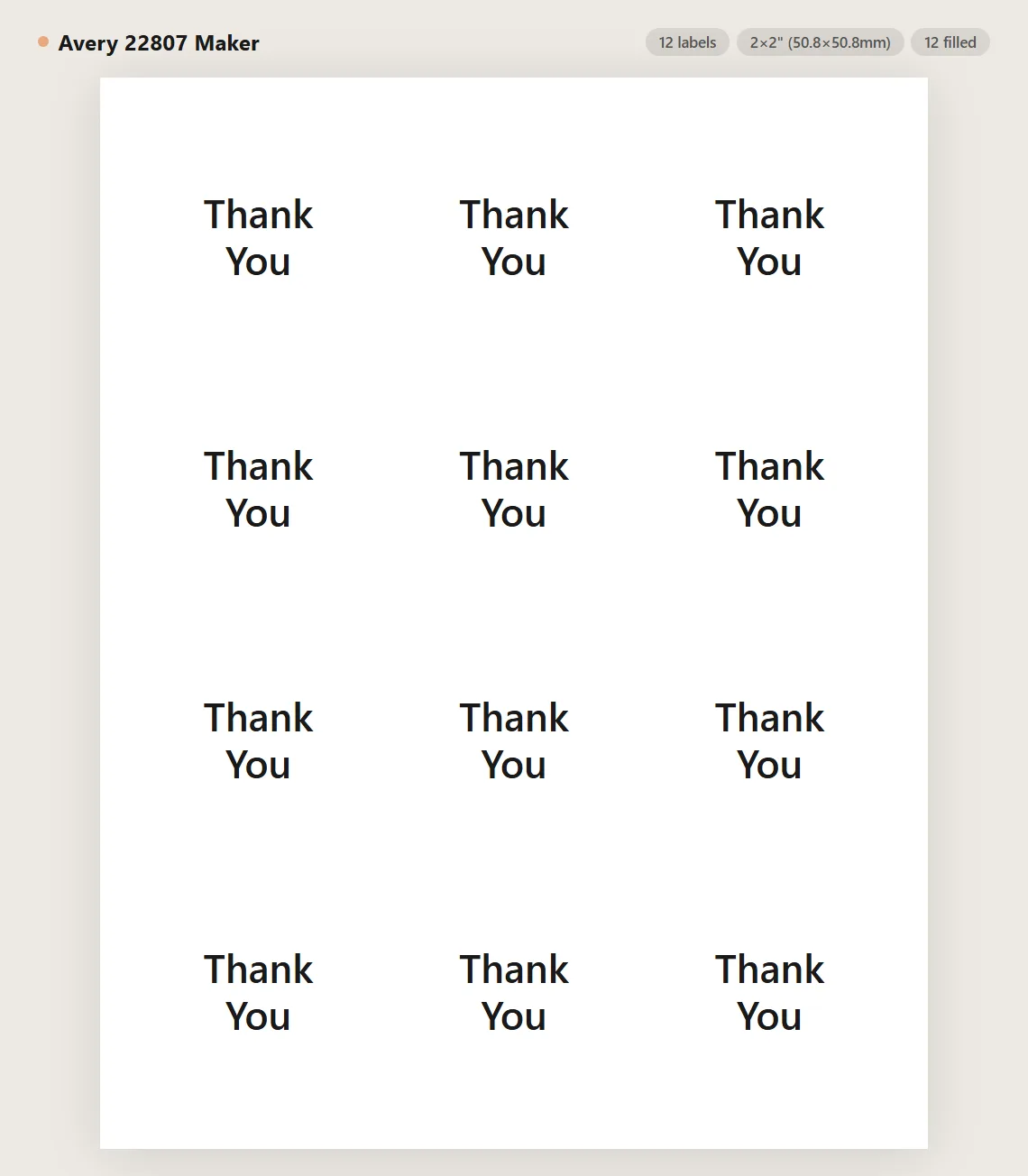
Avery 22807 is a 2" round label layout with 12 labels per US Letter sheet, arranged 3 columns by 4 rows. It is a print-to-the-edge format, usually glossy white.
Product and packaging labels, canning jar lids, envelope seals, party favors, cup lids, and round stickers of all kinds.
Set Fit to Cover so each image fills its circle edge to edge. The preview clips your design to the exact die-cut circle so you can see what will print.
The layout is built to match the published Avery 22807 die-cut layout. Print at 100% scale, and if your printer shifts the page slightly, use the Printer alignment nudge to compensate, then re-test on plain paper.
Yes. Use Text mode for plain text labels or Image+Text mode to pair a logo with a caption on each circle.
Avery 22877 kraft sheets share this 12-up layout. For clear or other materials, check that the package says 2" round, 12 per sheet, and test on plain paper first.
Yes. Use per-cell editing to blank out already-used positions before printing a partial sheet.
No. Images and text stay in the browser. The page is static and does not store your designs.
Measured to the die: the first circle's bounding box starts 0.625" from the left and 0.625" from the top, columns repeat every 2.625", and rows every 2.5833". This page draws true circular cells at those positions and clips your artwork to the die-cut circle, so what you see is what peels.
Usually feeding, not software. Feed label sheets one at a time from the manual or bypass tray if you have one, never run a sheet through twice, and store unused sheets flat in the packaging - humidity curls label stock, and a curled sheet feeds crooked.
Most print-to-the-edge glossy sheets are inkjet products - check the box before running one through a laser printer, since glossy coatings and fuser heat often do not mix. Let prints dry fully before peeling, and set the driver to a photo or high-quality mode for richer color.
For jars and bottles that get handled or refrigerated, use the waterproof film version of the 2" round sheet, or laminate over a paper print and re-cut. Bare inkjet ink on paper stock will smear at the first condensation.
Yes - a 2" circle is a comfortable QR size that scans reliably at arm's length. Generate the code with the QR sticker tool, then print it on this layout for packaging, table tents, or posters.
Round labels read as finished product packaging in a way rectangles do not: jar lids and fronts for jams, candles, and cosmetics; box seals that double as tamper bands; logo stickers tucked into orders. At home they become envelope seals, canning lids with flavor and date, and reward stickers.
No. This template runs entirely in the browser - nothing to install, no account, no plug-in. It replaces the Word template workflow: the 22807 grid is already measured and locked, you just add content and print. It works the same on Windows, Mac, Chromebooks, and Linux.
Yes. Use Save to store the layout in your browser and Load to bring it back, or click Share this tool to copy a link that encodes your current layout. Returning visitors are also offered a restore of their last session automatically.
Yes - no watermark, no trial, no signup. The site is supported by optional affiliate links to printing supplies, so the template tool itself stays free.
Upload images to fill your sticker sheet
Supplies
Affiliate links. As an Amazon Associate I earn from qualifying purchases, at no extra cost to you.
Not independently tested by us. Check that your sticker paper matches your printer type (inkjet or laser) and that its weight is within your printer's supported range.