— stickers
—
0 filled
🖼
Upload images to fill your sticker sheet
Print 2" x 4" Avery 5163 labels: 10 per sheet, no Word or signup. Why free?
Need larger 2 x 4 inch mailing labels? This Avery 5163 template is set up for the standard 10-up US Letter sheet: two columns by five rows. It works well for shipping addresses, storage labels, product boxes, and larger return labels. Type, paste, import a CSV, or repeat one label across the sheet before printing.
Avery 8163 (inkjet), 5263 (Easy Peel), and most 10-up, 2 x 4 inch mailing-label sheets use this same general layout. Run a plain-paper alignment test before printing on a new brand.
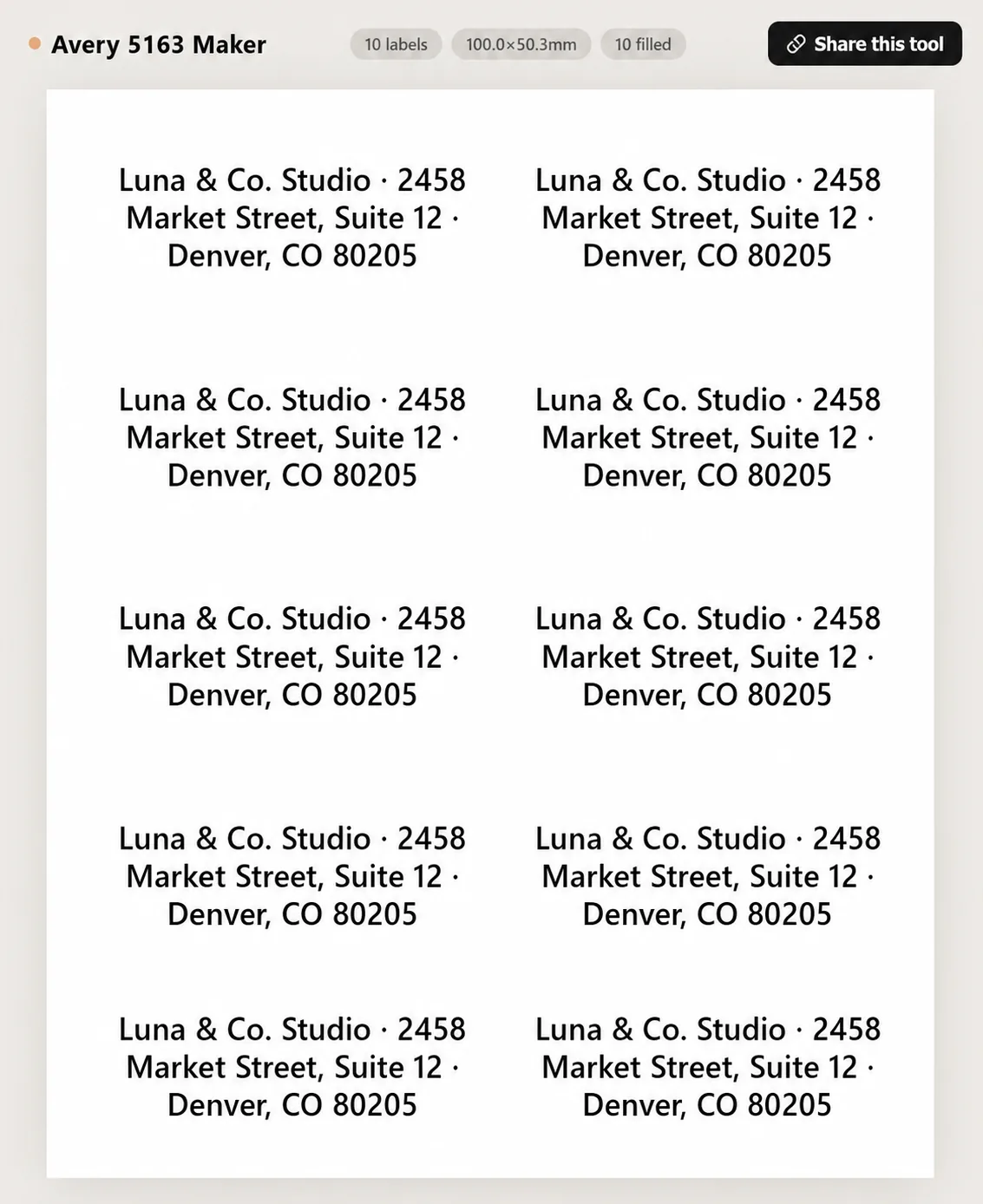
Avery 5163 is a 2" x 4" label layout with 10 labels per US Letter sheet, arranged 2 columns by 5 rows. It is commonly used for shipping, packages, storage bins, and larger mailing labels.
Yes, for smaller parcels, product boxes, and address blocks. Carrier barcodes may need exact label formats from the carrier, but 5163 works well for general shipping and return labels.
Yes. Use Import CSV to map name, street, city, state, ZIP, and country columns. Each row becomes one multi-line label.
Yes. Type one label and use Tile / repeat, or edit one cell and choose Duplicate this cell to all cells.
Set browser print scale to 100%, disable headers and footers, and test on plain paper before loading label sheets.
Many 2" x 4" 10-up label products share the same geometry. Check the package dimensions and test on plain paper if you are using a generic sheet.
Yes. Use Image+Text mode for product labels with a logo, or Text mode for address and shipping labels.
Yes. Use per-cell editing to blank out already-used positions before printing a partial sheet.
A clear sans-serif font is easiest to read on packages. Use bold for names or company lines and Auto-fit for longer addresses.
No. Text and CSV content stay in the browser. The page is static and does not store label data.
Upload images to fill your sticker sheet
Supplies
Affiliate links. As an Amazon Associate I earn from qualifying purchases, at no extra cost to you.
Not independently tested by us. Check that your sticker paper matches your printer type (inkjet or laser) and that its weight is within your printer's supported range.