— stickers
—
0 filled
🖼
Upload images to fill your sticker sheet
Print Avery 5167 return address labels: 80 per sheet, no Word or signup. Why free?
Use Avery 5167 when you need small return address labels: 80 per US Letter sheet in four columns and twenty rows. This free template keeps the tiny 1/2 x 1 3/4 inch layout ready so you can repeat one address, import short codes, or print small organization labels without setting up Word.
Avery 5267, 8167, and 8667 use the same small return-label layout; choose the product made for your printer type.
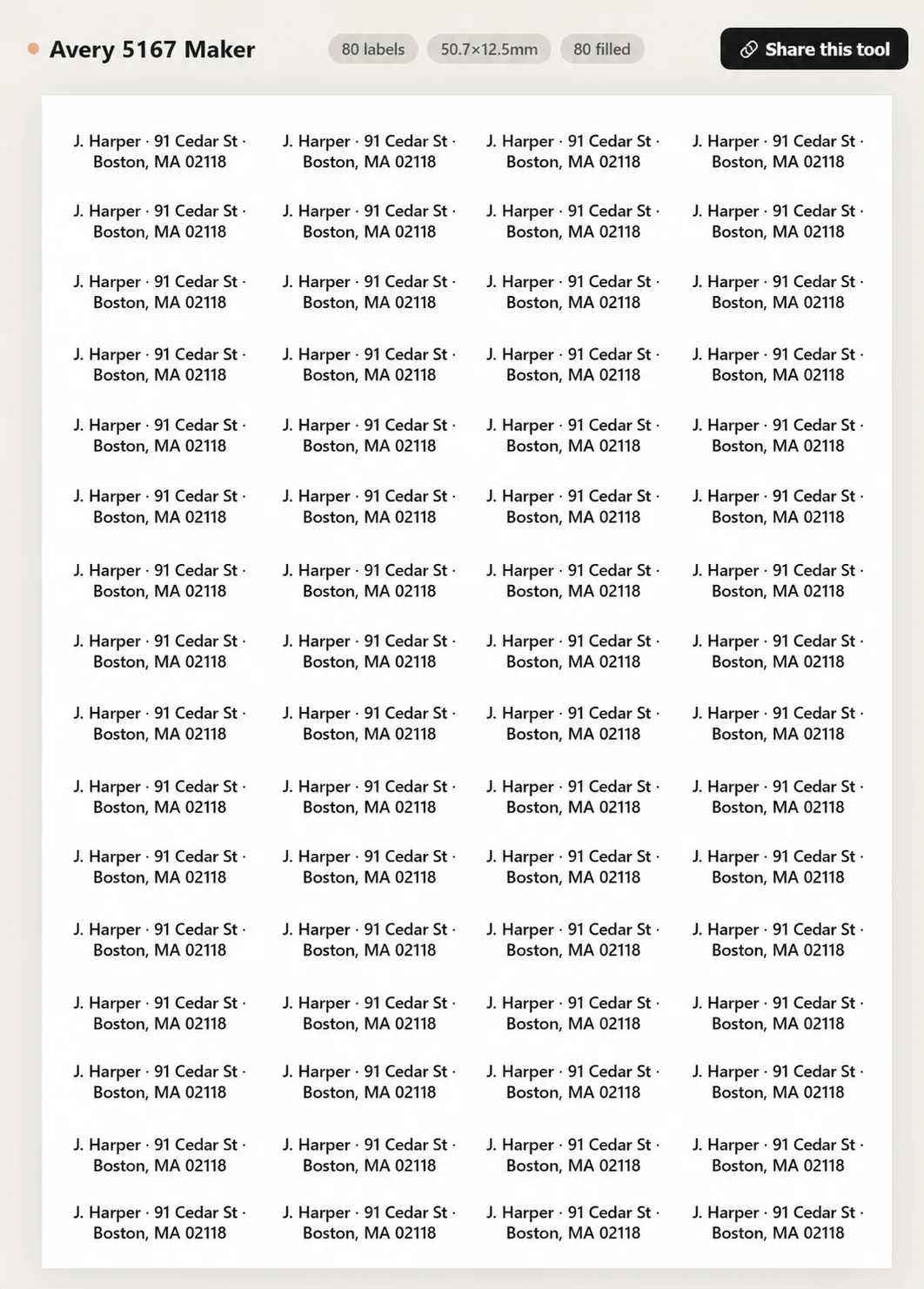
Avery 5167 is a small return address label format: about 1/2" tall by 1 3/4" wide, arranged 4 columns by 20 rows for 80 labels per US Letter sheet.
It is best for return addresses, short mailing addresses, product codes, or small ID labels. Long recipient addresses may be too cramped unless you use very small text.
Yes. Type the return address once and use Tile / repeat, or duplicate one customized cell to the whole sheet.
Yes, but keep each label short. CSV import works, though 5167 labels have limited room for multi-line addresses.
Use a simple sans-serif font, avoid extra decoration, and keep lines short. Auto-fit helps, but tiny labels still need concise text.
Yes. Use the per-cell editor to leave already-used positions blank before printing.
Use 100% scale, disable headers and footers, and test on plain paper. Small labels make printer scaling errors more visible.
Avery 8167 is the inkjet counterpart to 5167 and uses the same small return-label geometry. Choose the product type that matches your printer.
Yes. The 80-up format is useful for small SKU labels, sample IDs, classroom items, and tiny storage labels.
No. Text and CSV data stay local to your browser and disappear when you close or clear the page.
Upload images to fill your sticker sheet
Supplies
Affiliate links. As an Amazon Associate I earn from qualifying purchases, at no extra cost to you.
Not independently tested by us. Check that your sticker paper matches your printer type (inkjet or laser) and that its weight is within your printer's supported range.