— stickers
—
0 filled
🖼
Upload images to fill your sticker sheet
30 address labels per US Letter sheet, 1" × 2⅝". Print on Avery® 5160 sheets or compatible 30-up label stock. No signup, no Word required. Why? →
Need to print Avery 5160 address labels without wrestling with Word? This free browser template is already set up for the standard 30-up US Letter sheet: three columns, ten rows, and labels that are 1 inch by 2 5/8 inches. Type or import your addresses, check the preview, and print at 100% scale. It also works with Avery 5260, 5960, 8160, 8460, and many generic 30-up address label sheets. Everything stays in your browser.
If your package says Avery 5260, 5960, 8160, 8460, 8660, 18660, or generic 30-up address labels, the sheet geometry is usually the same. Use paper made for your printer type.
Each label is 2⅝ inches wide × 1 inch tall. The US Letter sheet has 3 columns and 10 rows, with a ½-inch top margin, a 3/16-inch left margin, and a ⅛-inch gap between columns. There is no vertical gap between rows. The template sets these measurements automatically.
Avery 8160 uses the same geometry for inkjet label stock. Match the label stock to your printer and check your package's template number before printing.
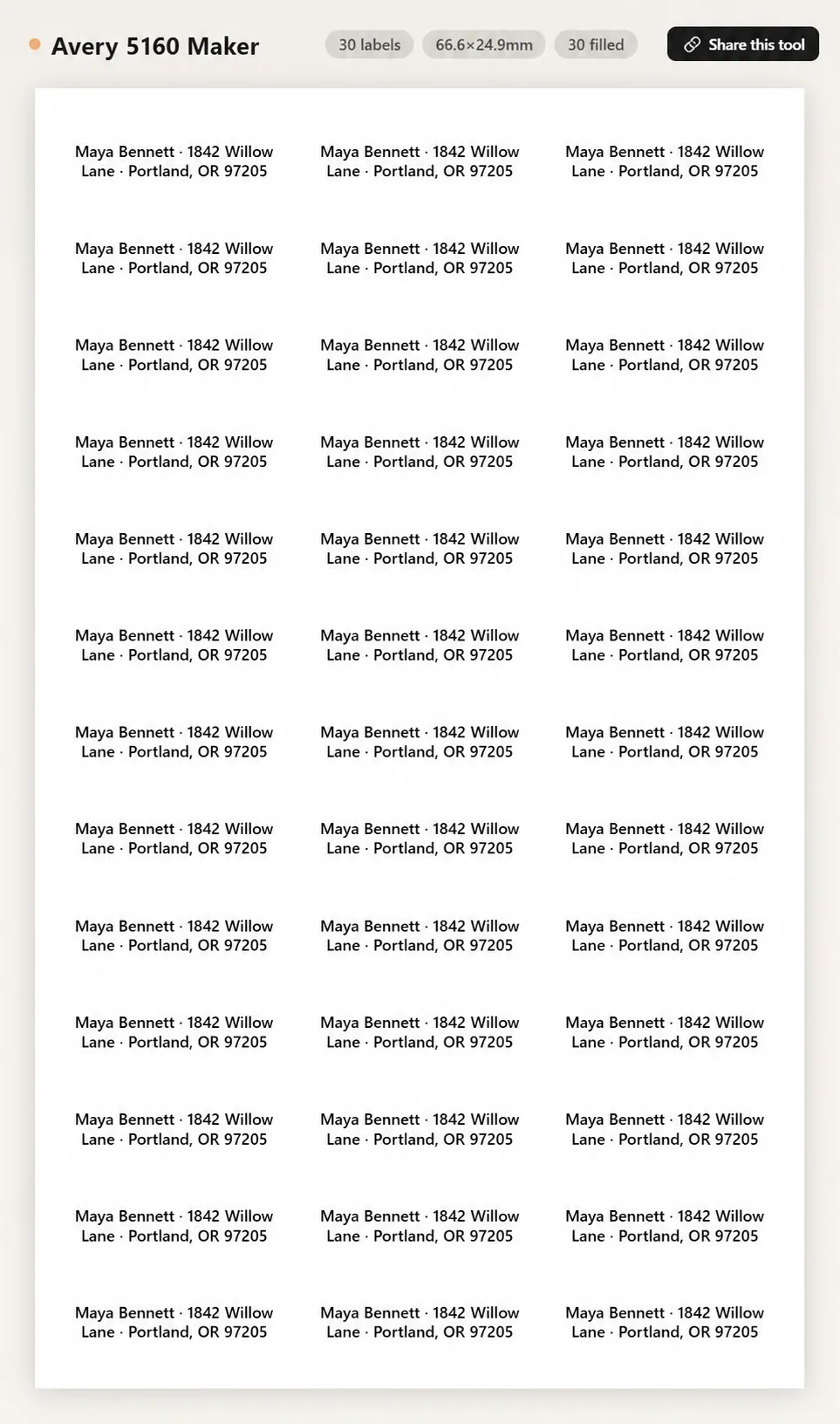
Avery 5160 is a 30-label US Letter sheet with labels 2⅝" wide × 1" tall, arranged 3 across and 10 down. The template has a 3/16" left margin, a ½" top margin, a ⅛" gap between columns, and no vertical gap between rows. Print at 100% / Actual Size and test on plain paper first.
They use the same 30-label, 1" × 2⅝" sheet layout, so this template fits both. Avery 5160 is intended for laser printers, while Avery 8160 is intended for inkjet printers — the coating and adhesive are tuned for fuser heat versus ink absorption. Always choose the version made for your printer. Do not run inkjet-only label sheets through a laser printer unless the packaging explicitly says they are compatible with both printer types; inkjet material can discolor, melt, or jam under laser heat and may damage the printer.
Download the PDF and print on US Letter at 100% / Actual Size. If printing through the browser, disable headers and footers. Follow your printer manual for which side faces up and which edge feeds first. Hold a plain-paper test behind a label sheet and compare every row before printing on labels.
Common Avery-5160-compatible labels include: Avery 5260, 5960, 8160, 8460; Staples 18065 and 575456; Office Depot 612-263 and 612-264; Maco MS-5160; Online Labels OL875; and most house brands sold at Walmart, Target, and Amazon labeled "30 per sheet" or "1 × 2⅝". They share the same die-cut layout, so this template is designed to match them; run a plain-paper test before printing a full batch.
Exactly 30 labels per US Letter sheet. Paste your addresses with a blank line between each one. If you have 30 different ones, you'll get a sheet of unique address labels; if you have 1 address repeated (return-address use), turn on tile mode and all 30 cells fill with the same address. The default font auto-fits, so even longer addresses fit within the 1" × 2⅝" cell.
Yes. That's why it exists. Everything runs in the browser (Safari, Chrome, Firefox, Edge. Mac, Windows, Linux, or Chromebook). No Word, no Pages, no software install, no Avery Design & Print account. Type addresses, hit Print, choose your printer in the system dialog, and the labels line up with the die-cut sheet. Saving as PDF works the same way through the print dialog.
Yes. Use Start at label to skip earlier positions on the first sheet, or choose Leave this cell blank for individual positions. Check that your printer and label-stock instructions permit feeding a partly used sheet, then test alignment on plain paper. See the partially used label sheet guide.
An offset that grows down the page usually points to scaling or a template mismatch. Check US Letter paper size, 100% / Actual Size, and the template number on your package. Avoid borderless modes that enlarge the page. Use the printer-alignment nudge only when the whole sheet is shifted by the same amount.
Yes. Those products use the same 30-up 1" x 2 5/8" layout as Avery 5160. The paper finish and printer type may differ, but the template geometry is the same.
Yes. Use Import CSV to map Name, Street, City, State, ZIP, and Country columns. Each CSV row becomes one multi-line Avery 5160 label.
Upload images to fill your sticker sheet
Supplies
Affiliate links. As an Amazon Associate I earn from qualifying purchases, at no extra cost to you.
Not independently tested by us. Check that your sticker paper matches your printer type (inkjet or laser) and that its weight is within your printer's supported range.