— stickers
—
0 filled
🖼
Upload images to fill your sticker sheet
Print 3⅓" x 4" Avery 5264 Easy Peel labels: 6 per sheet, no Word or signup. Why free?
Need bigger shipping labels? This Avery 5264 template is set up for the standard 6-up US Letter sheet: two columns by three rows of 3 1/3 x 4 inch labels. The large format fits full ship-to and ship-from blocks, handling instructions, or bold storage-bin titles. Type, paste, import a CSV, or repeat one label across the sheet before printing. Avery 5264 is the Easy Peel sibling of Avery 5164 - same die-cut, easier backing.
Avery 5264 shares this exact 6-up die-cut with Avery 5164 (laser) and 8164 (inkjet); 8464 and 6464 match too. Run a plain-paper alignment test before printing on a new brand.
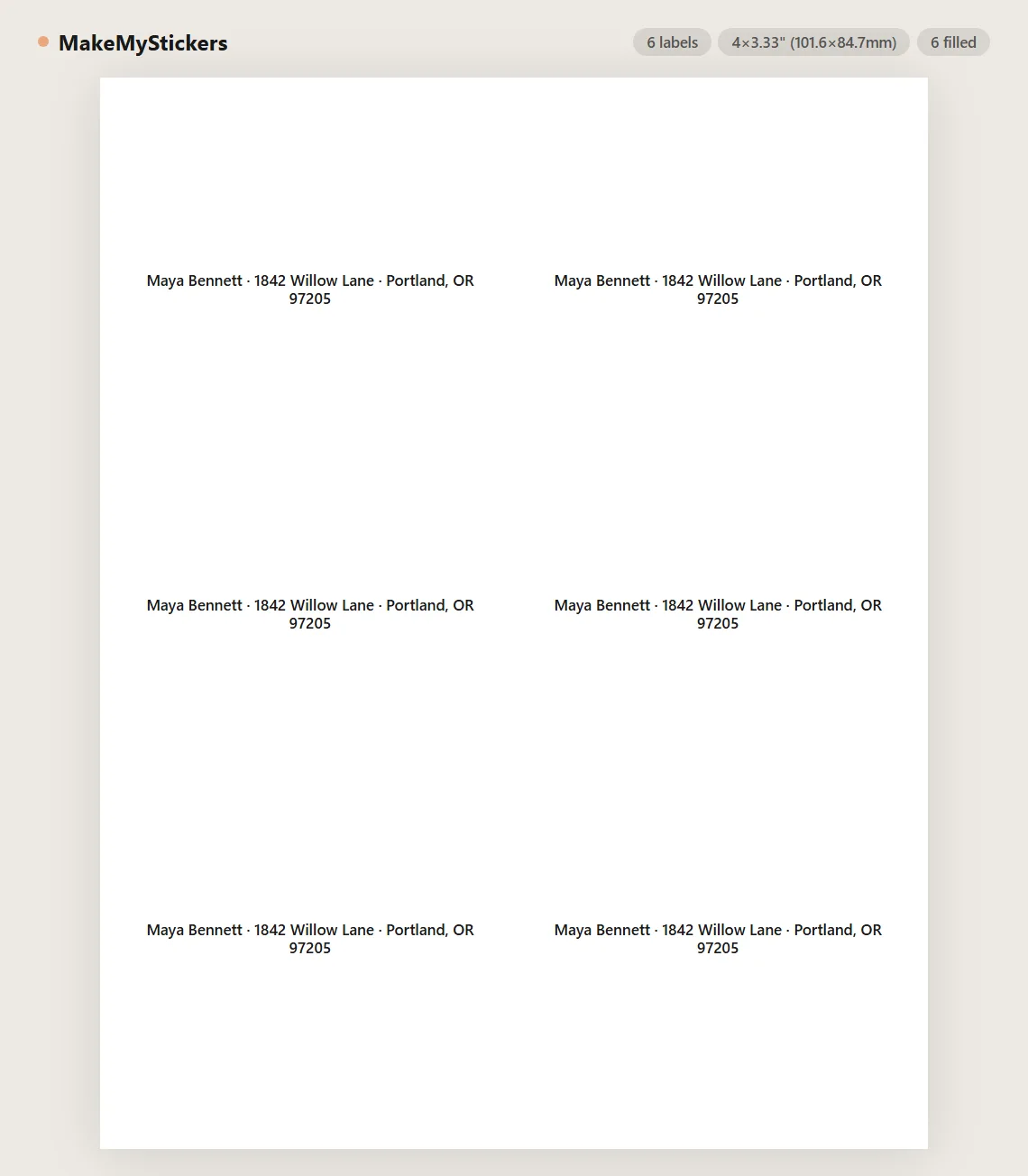
Avery 5264 is a 3 1/3" x 4" label layout with 6 labels per US Letter sheet, arranged 2 columns by 3 rows. It is commonly used for shipping boxes, storage bins, and large mailing labels.
Yes. The large format fits complete address blocks plus extras like fragile notices. Carrier barcodes may need exact label formats from the carrier, but 5264 works well for general shipping.
Both are 4" wide shipping labels. 5264 labels are 3 1/3" tall with 6 per sheet; 5163 labels are 2" tall with 10 per sheet. Choose 5264 when you need more room per label.
They share the same 6-up die-cut layout and both run through laser printers. 5264 is sold as Easy Peel packs - the backing splits for faster peeling - while 5164 is the classic catalog number. Templates are interchangeable.
Yes. Use Import CSV to map name, street, city, state, ZIP, and country columns. Each row becomes one multi-line label.
Yes. Type one label and use Tile / repeat, or edit one cell and choose Duplicate this cell to all cells.
Set browser print scale to 100%, disable headers and footers, and test on plain paper before loading label sheets.
Yes. Use Image+Text mode for labels with a logo, or Text mode for plain address and shipping labels.
Yes. Use per-cell editing to blank out already-used positions before printing a partial sheet.
No. Text and CSV content stay in the browser. The page is static and does not store label data.
The first label starts 0.15625" from the left edge and 0.5" from the top. Columns repeat every 4.1875" with a 3/16" gutter, and rows repeat every 3.3333" with no vertical gap - identical to 5164 and inkjet 8164, and the same two-column width Avery cuts for 5161, 5162, and 5163. This page reproduces those exact coordinates instead of dividing the sheet evenly, which is what keeps the last row from drifting off its die-cut.
Most printers feed paper a fraction of a millimeter off, and on label stock that shows. Use the Printer alignment panel to print a test sheet, hold it against a label sheet in front of a light, and nudge the layout in 0.25mm steps. The setting is saved for next time.
Match the box to your printer: 5264 is laser-rated stock and 8164 is the same die-cut coated for inkjet ink. Laser toner resists moisture and handling; inkjet renders color more richly. Running the wrong stock through a printer risks smearing (inkjet stock in a laser) or soft, fuzzy text (laser stock in an inkjet).
Usually feeding, not software. Feed label sheets one at a time from the manual or bypass tray if you have one, never run a sheet through twice, and store unused sheets flat in the packaging - humidity curls label stock, and a curled sheet feeds crooked.
Beyond shipping: moving boxes, attic and garage totes, and seasonal storage, where a big bold title like "KITCHEN - FRAGILE" is readable across a room. In Image+Text mode the size carries a logo plus product name comfortably for larger product packaging.
At a third of a page per label there is room for a one-inch-tall title line plus detail lines underneath. Auto-fit handles it for you - it shrinks each label's text just enough to fit - but if you set a fixed size, print one plain-paper proof first and read it at arm's length.
No. This template runs entirely in the browser - nothing to install, no account, no plug-in. It replaces the Word template workflow: the 5264 grid is already measured and locked, you just add content and print. It works the same on Windows, Mac, Chromebooks, and Linux.
Yes. Use Save to store the layout in your browser and Load to bring it back, or click Share this tool to copy a link that encodes your current layout. Returning visitors are also offered a restore of their last session automatically.
Upload images to fill your sticker sheet
Supplies
Affiliate links. As an Amazon Associate I earn from qualifying purchases, at no extra cost to you.
Not independently tested by us. Check that your sticker paper matches your printer type (inkjet or laser) and that its weight is within your printer's supported range.