— stickers
—
0 filled
🖼
Upload images to fill your sticker sheet
Print 3" x 4" Avery 5392 badge inserts: 6 per sheet, no Word or signup. Why free?
Printing the larger badge inserts? This Avery 5392 template is set up for the standard 6-up US Letter insert sheet: two columns by three rows of 4 x 3 inch perforated cards, sized for the bigger clip and lanyard holders. Paste your attendee list one name per line, import a CSV, or repeat one design across the sheet, then snap the printed cards apart and slide them into holders. For stick-on badges, use Avery 5395 instead.
Avery 5392 sheets are perforated card inserts, not adhesive labels. For the smaller 2 1/4" x 3 1/2" holders use Avery 5390; for stick-on badges use Avery 5395. Run a plain-paper alignment test before printing a full batch.
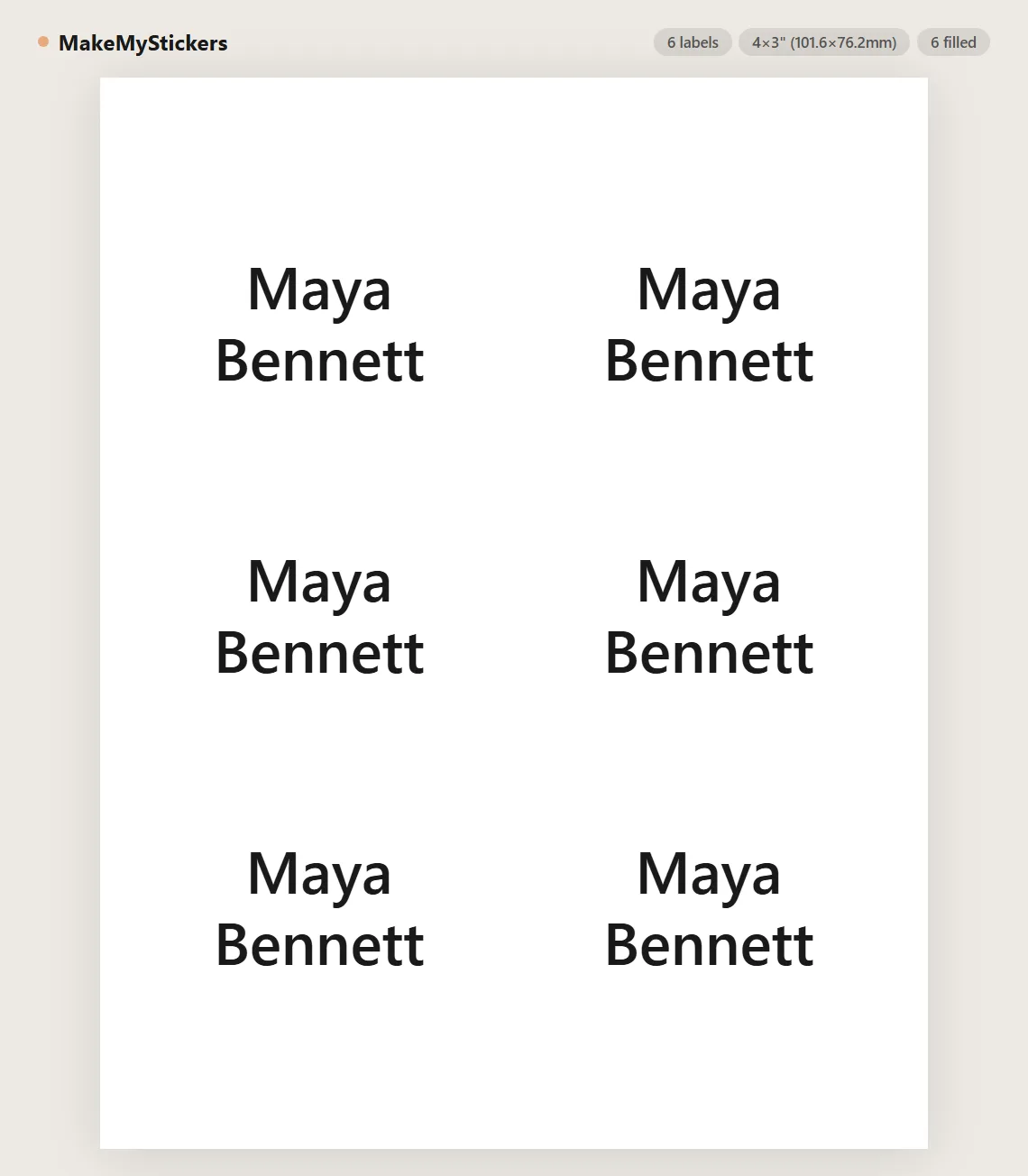
Avery 5392 is a 3" x 4" badge insert layout with 6 inserts per US Letter sheet, arranged 2 columns by 3 rows with no gaps. The sheet is perforated cardstock, not adhesive labels.
No. You print the sheet, snap the cards apart along the perforations, and slide each card into a clear badge holder on a clip, pin, or lanyard. Nothing sticks to clothing, and the holders are reusable for the next event.
Any top-loading holder sized for 3" x 4" inserts - the larger of the two common badge holder sizes. The printed card should slide in flat without folding.
Yes. Paste names one per line - each line becomes one insert - or use Import CSV to turn each row into a badge, which is handy when the guest list already lives in a spreadsheet.
Yes. Use Image+Text mode to pair a logo or photo with every name. At 3" x 4" there is comfortable room for a logo, the name, and a role line underneath.
Yes. Type one badge and use Tile / repeat, or edit one cell and choose Duplicate this cell to all cells.
Set browser print scale to 100%, disable headers and footers, and test on plain paper before loading the perforated sheets.
Yes. Use per-cell editing to blank out already-used positions before printing a partial sheet.
Set the name large and bold - a badge is read at handshake distance, a few feet away. The 3" x 4" card has room for a name line plus company and role lines underneath; Auto-fit keeps long names from clipping.
No. Names, text, and CSV content stay in the browser. The page is static and does not store badge data.
The first insert starts 0.25" from the left edge and 1" from the top. The 4" x 3" cards tile edge to edge - columns repeat every 4" and rows every 3" with no gaps, because the sheet is perforated rather than die-cut with gutters. This page reproduces those exact coordinates instead of dividing the sheet evenly.
Most printers feed paper a fraction of a millimeter off, and on a perforated grid that shows. Use the Printer alignment panel to print a test sheet, hold it against an insert sheet in front of a light, and nudge the layout in 0.25mm steps. The setting is saved for next time.
Same idea, different holder size: 5392 inserts are 3" x 4" with 6 per sheet, while 5390 inserts are 2 1/4" x 3 1/2" with 8 per sheet. Measure your holders before printing.
5392 is perforated cardstock that slides into reusable badge holders; 5395 is a self-adhesive badge that sticks straight onto clothing. Pick by how your event hands out badges - the tool handles both layouts exactly.
Usually feeding, not software. Perforated cardstock feeds like heavy paper: use the manual or bypass tray if you have one, feed one sheet at a time, and choose the "heavy" or "cardstock" media setting in the printer driver.
No. This template runs entirely in the browser - nothing to install, no account, no plug-in. It replaces the Word template workflow: the 5392 grid is already measured and locked, you just add names and print. It works the same on Windows, Mac, Chromebooks, and Linux.
Yes. Use Save to store the layout in your browser and Load to bring it back, or click Share this tool to copy a link that encodes your current layout. Returning visitors are also offered a restore of their last session automatically.
Yes - no watermark, no trial, no signup. The site is supported by optional affiliate links to printing supplies, so the template tool itself stays free.
Upload images to fill your sticker sheet
Supplies
Affiliate links. As an Amazon Associate I earn from qualifying purchases, at no extra cost to you.
Not independently tested by us. Check that your sticker paper matches your printer type (inkjet or laser) and that its weight is within your printer's supported range.