— stickers
—
0 filled
🖼
Upload images to fill your sticker sheet
Print Avery 8160 inkjet address labels, 30 per sheet. No Word, no signup. Why free?
Use this page when you have Avery 8160 inkjet address labels and want to print from the browser. The layout is the familiar 30-up address label sheet: three columns by ten rows, 1 inch by 2 5/8 inches, on US Letter paper. Paste addresses, import a CSV, repeat return labels, and print at 100% scale.
Avery 8160 shares its layout with Avery 5160, 5260, 5960, 8460, 8660, 18660, and many generic 30-up address label sheets.
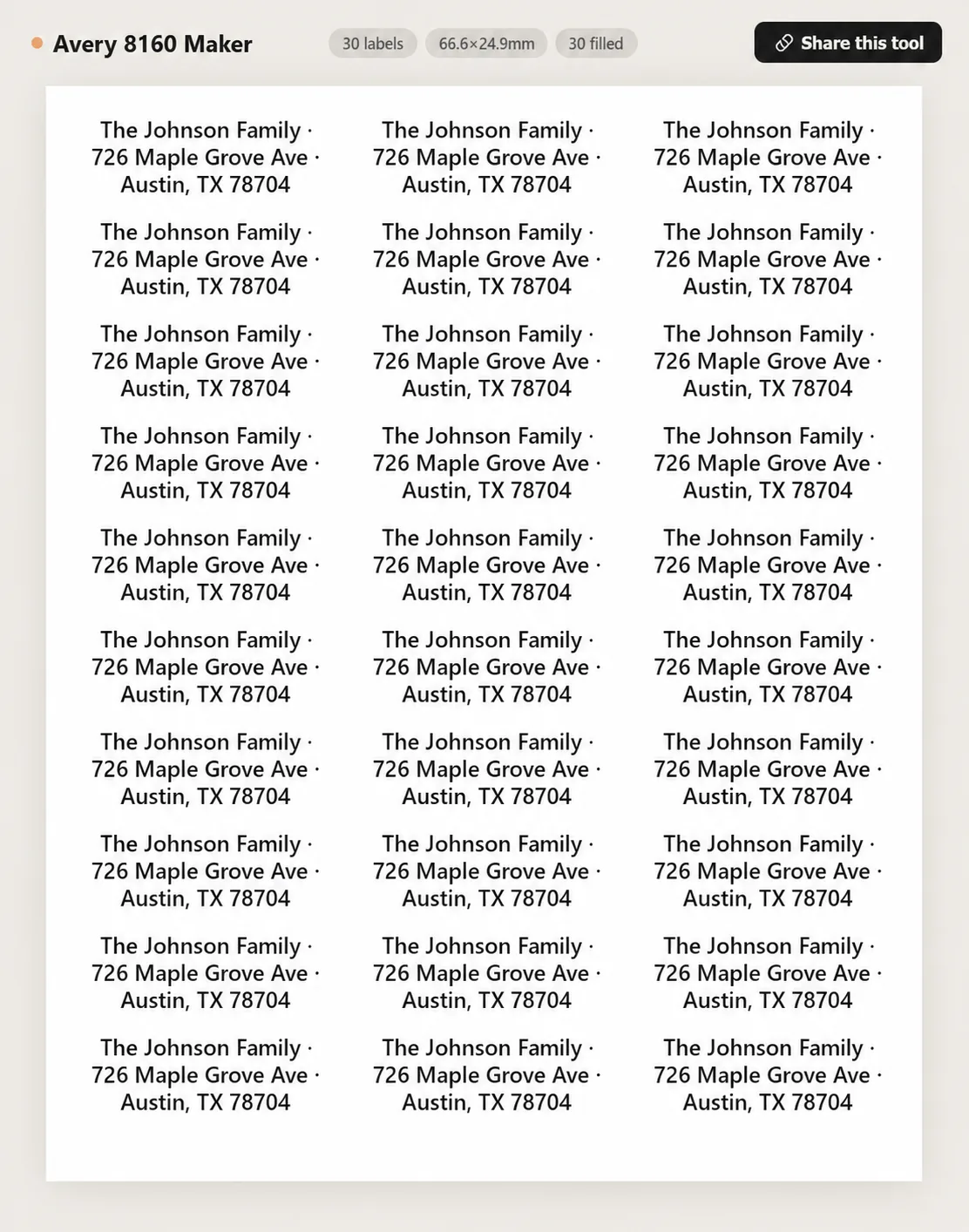
Yes. Avery 8160 and 5160 use the same 30-up layout: 1" x 2 5/8" labels, 3 columns by 10 rows. 8160 is made for inkjet printers; 5160 is made for laser printers.
Yes. Type, paste, or import addresses directly in the browser and print at 100%. No Avery account, Word template, or download is required.
Yes. Import a CSV and map name, street, city, state, ZIP, and country columns. Each row becomes one multi-line address label.
Yes. Type your return address once and use Tile / repeat to fill all 30 labels.
The most common issue is print scaling. Set scale to 100%, turn off headers and footers, and avoid Fit to page. Test on plain paper first.
Usually yes if the package says 1" x 2 5/8", 30 per sheet, or compatible with Avery 8160/5160. Test alignment before printing a full sheet.
Matte white inkjet labels are best for addresses because they dry quickly and stay readable. Glossy inkjet labels can look sharper but need more drying time.
Yes. Click cells and mark them blank before printing a partial sheet.
Yes. It runs in the browser and uses the system print dialog, so it works on Mac, Windows, Chromebook, and Linux.
Yes. Address text and CSV files stay in your browser and are not uploaded to a server.
Upload images to fill your sticker sheet
Supplies
Affiliate links. As an Amazon Associate I earn from qualifying purchases, at no extra cost to you.
Not independently tested by us. Check that your sticker paper matches your printer type (inkjet or laser) and that its weight is within your printer's supported range.