— stickers
—
0 filled
🖼
Upload images to fill your sticker sheet
Print full-sheet 8½" x 11" Avery 8165 inkjet labels, no Word or signup. Why free?
The Avery 8165 template covers the entire US Letter sheet with one 8 1/2 x 11 inch label. Upload a full-page design, poster, or oversized shipping block and print it edge to edge of the printable area. Full-sheet labels are also a favorite base for making your own sticker sheets: print here, then cut shapes by hand or with a cutting machine. Avery 8165 is the inkjet version of the same product as Avery 5165.
Have a laser printer? Use Avery 5165 - the same full-sheet product, laser-rated. For multi-sticker sheets you cut yourself, the Print Then Cut layout may be a better fit.
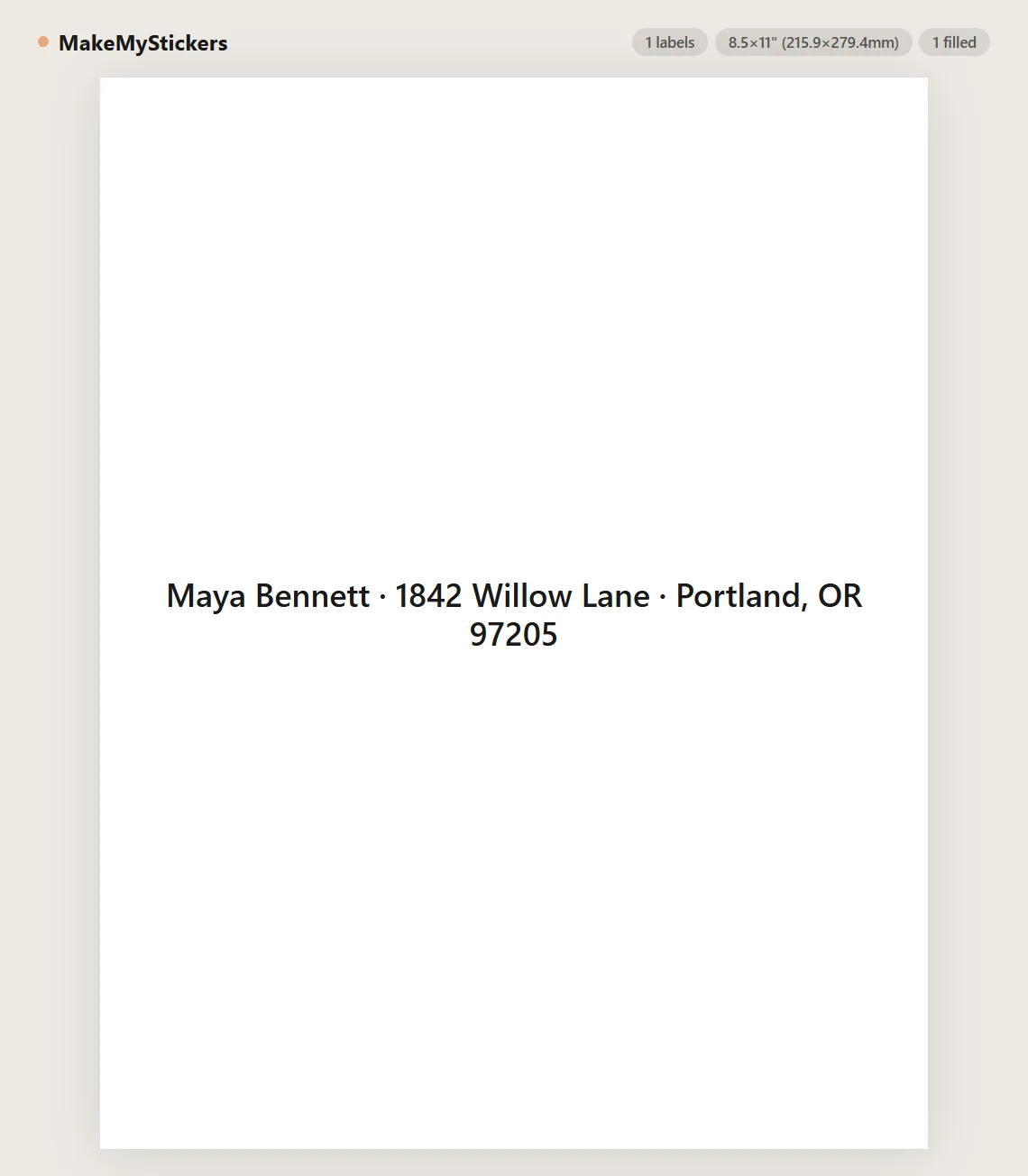
Avery 8165 is a full-sheet inkjet label: one 8 1/2" x 11" label per US Letter sheet. There are no gaps or margins between labels because the whole sheet is the label.
Large shipping labels, box-end labels, signs, posters that need to stick, and homemade sticker sheets. Print your design, then cut it down to any size you need.
Most home printers leave a small unprintable border. Keep important content away from the very edge, or enable borderless mode if your printer supports it.
Yes. Upload several images using the Print Then Cut layout, print on a full-sheet label, and cut the stickers apart by hand, with scissors, or with a cutting machine.
Set browser print scale to 100%, disable headers and footers, and test on plain paper before loading label sheets.
Yes. Avery 5165 is the laser version of the same full-sheet product, 8465 is another inkjet number, and any 8 1/2" x 11" label sheet works the same way.
Either works - just match the sheet: 8165 is inkjet-rated, 5165 is laser-rated. Laser toner resists moisture better; inkjet colors often look richer on glossy sheets.
No. Text and CSV content stay in the browser. The page is static and does not store label data.
There is no grid: the label is the entire 8 1/2" x 11" sheet with no margins or gutters, and the backing is slit so you can peel from a corner. Whatever you place on the page prints onto one continuous adhesive sheet.
Full-page coverage is the stress test for any printer. On inkjet, a fully inked sheet needs several minutes to dry - let it dry flat. On laser, very heavy coverage can soften adhesive slightly; the "labels" media setting lowers fuser temperature for exactly this reason.
Plain paper stock plus inkjet ink will not survive rain. For outdoor or kitchen use, laminate over the print or buy the film-based full-sheet products. Laser toner on standard stock handles occasional moisture much better than inkjet.
Usually feeding, not software. Feed label sheets one at a time from the manual or bypass tray if you have one, never run a sheet through twice, and store unused sheets flat in the packaging - humidity curls label stock, and a curled sheet feeds crooked.
Print the same file on plain paper first and tape it where the label will live. Full-page artwork that looked balanced on screen often wants a darker background or a larger title once it is standing on a shelf - plain paper is the cheapest place to learn that.
Full-sheet label stock is heavier than copy paper, so choose "labels," "heavy," or "cardstock" in the printer driver if offered. It slows the feed, which also helps the sheet run straight.
No. This template runs entirely in the browser - nothing to install, no account, no plug-in. It replaces the Word template workflow: the 8165 grid is already measured and locked, you just add content and print. It works the same on Windows, Mac, Chromebooks, and Linux.
Yes. Use Save to store the layout in your browser and Load to bring it back, or click Share this tool to copy a link that encodes your current layout. Returning visitors are also offered a restore of their last session automatically.
Yes - no watermark, no trial, no signup. The site is supported by optional affiliate links to printing supplies, so the template tool itself stays free.
Upload images to fill your sticker sheet
Supplies
Affiliate links. As an Amazon Associate I earn from qualifying purchases, at no extra cost to you.
Not independently tested by us. Check that your sticker paper matches your printer type (inkjet or laser) and that its weight is within your printer's supported range.